How to track clothing and shoe sizes by brand
Make a clothing and shoe size tracker with four fields. Save the brand, item or cut, exact size on the label, and one sentence about how it fits. Start with pieces you already wear and would buy again.
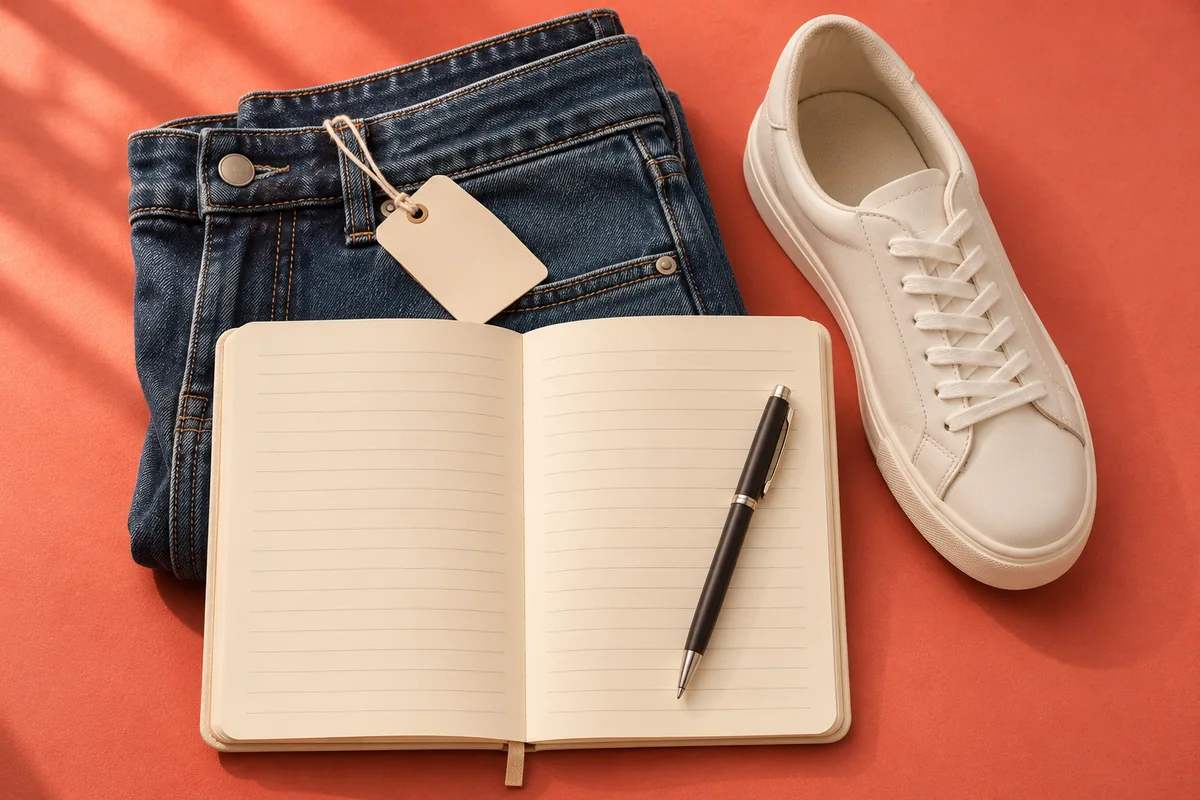
A fit note you can copy
- Brand
- Name from the tag
- Item
- Category and cut or model
- Size
- Exact label and sizing system, if known
- Fit
- Where it feels snug, roomy, or just right
Example. Sample brand, straight-leg jeans, W29 L30. Waist is comfortable sitting down and the hem lands just above my sneakers.
Start with three useful references
- A top. Add whether the shoulders sit where you like them and whether you’d layer anything underneath.
- A pair of pants. Save the rise, cut, and both numbers when the label shows waist and inseam. Note how the waistband feels when seated.
- A pair of shoes. Save the model, the sizing system on the box or label, and the width if stated. Note the socks you tried them with and where you feel pressure or slipping.
Use the note on your next shop
Pull up the closest piece in your notes. If you’re shopping for straight-leg jeans, start with a pair with a similar rise and fabric. For shoes, look for the same model and width first. When the brand or cut changes, check the product’s size guide and update your notes after you try the new item on.
If two items from the same brand fit you in different sizes, keep both entries. For example, S in a relaxed tee and M in a fitted tee tell you more than one saved size for every top. A notes app, spreadsheet, or paper list works. Keep the fields in the same order so you can find them quickly.
Keep your original size label even when you find a conversion. Nike’s US footwear guide, for example, distinguishes the CM size printed on its labels from measured foot length. Use the row named by the brand when you’re comparing measurements. Nike’s US women’s footwear guide